 BookInnTime
Help · Video guides
See how it's done
Short films of the real app, one job each. Start with the whole thing from sign-up to first booking, then pick the one you need.
Start here
Start to finish
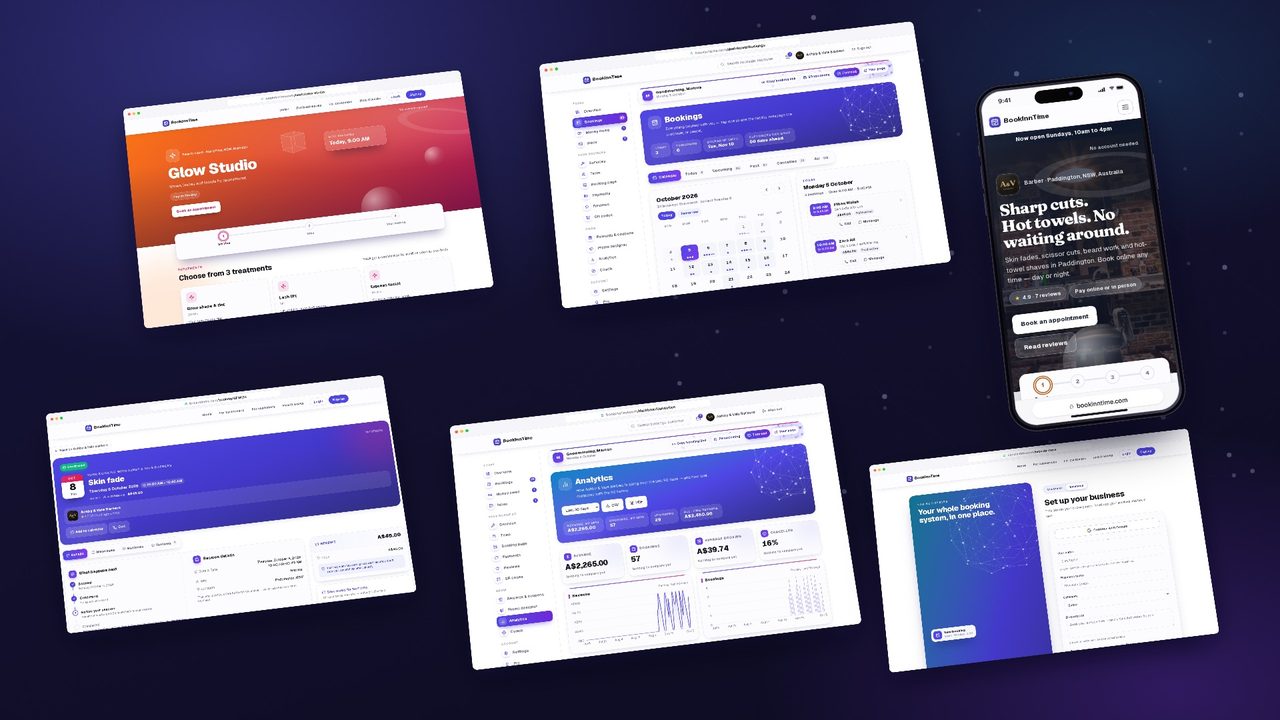
Watch a new nail salon go from signing up to its first booking — the whole app in 1:17.
- 1Sign up on your phone
- 2Confirm your email
- 3The welcome screen
- 4The AI helper sets up your services and hours
- 5Add your logo, a banner photo and colours
- 6Share your booking link
- 7A customer books
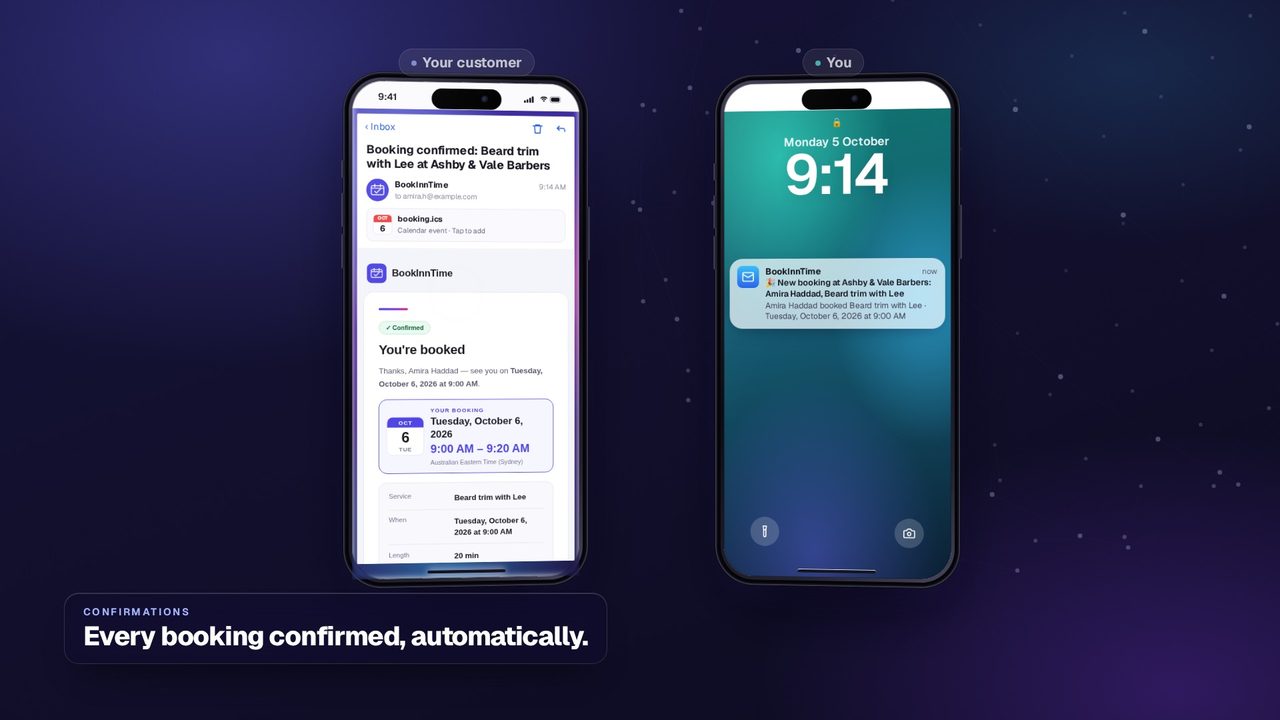
- 8The confirmation emails you both get
- 9The booking in your calendar
No voice-over: every step is written on screen, over quiet night-time sounds.
Doing one thing
Short films, each on one job. Pick the one you're stuck on.
 0:48
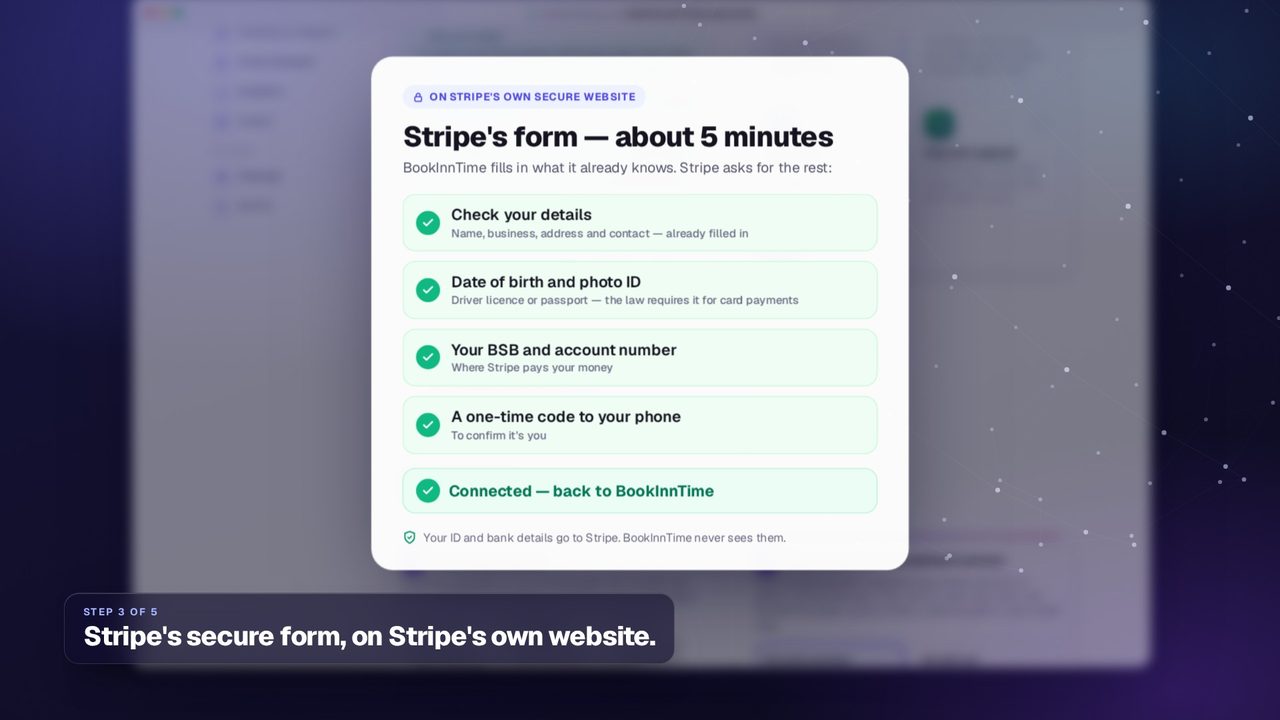
0:48Connect Stripe
Get paid online, straight into your own bank account.
 0:43
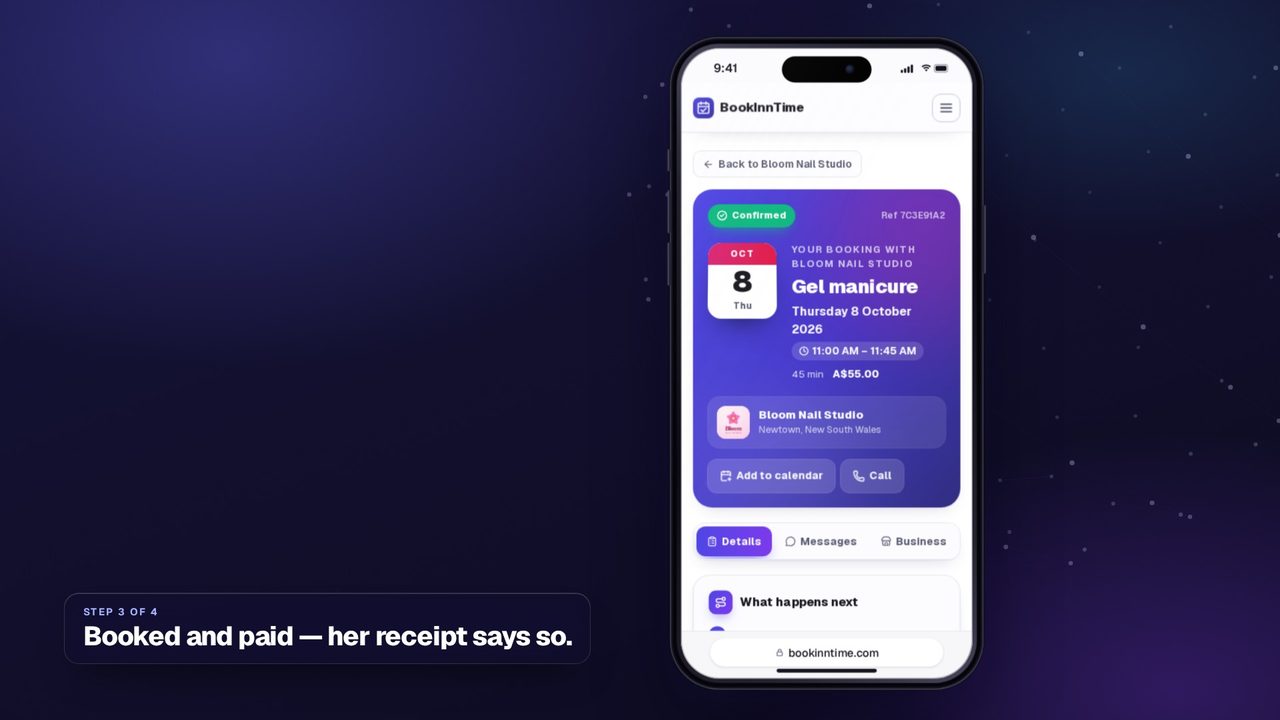
0:43Paying online
What a paid booking looks like for the customer and for you.
 0:27
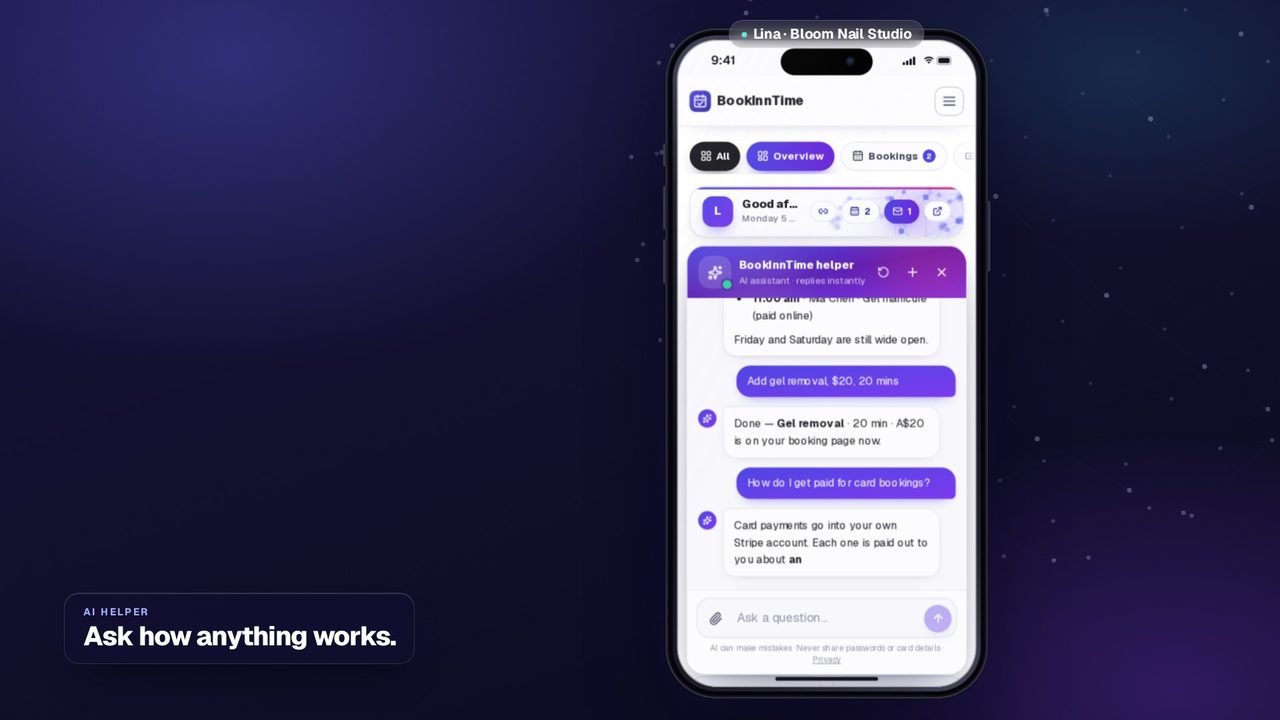
0:27The AI helper
Ask it what's coming up, or have it make a change for you.
 0:30
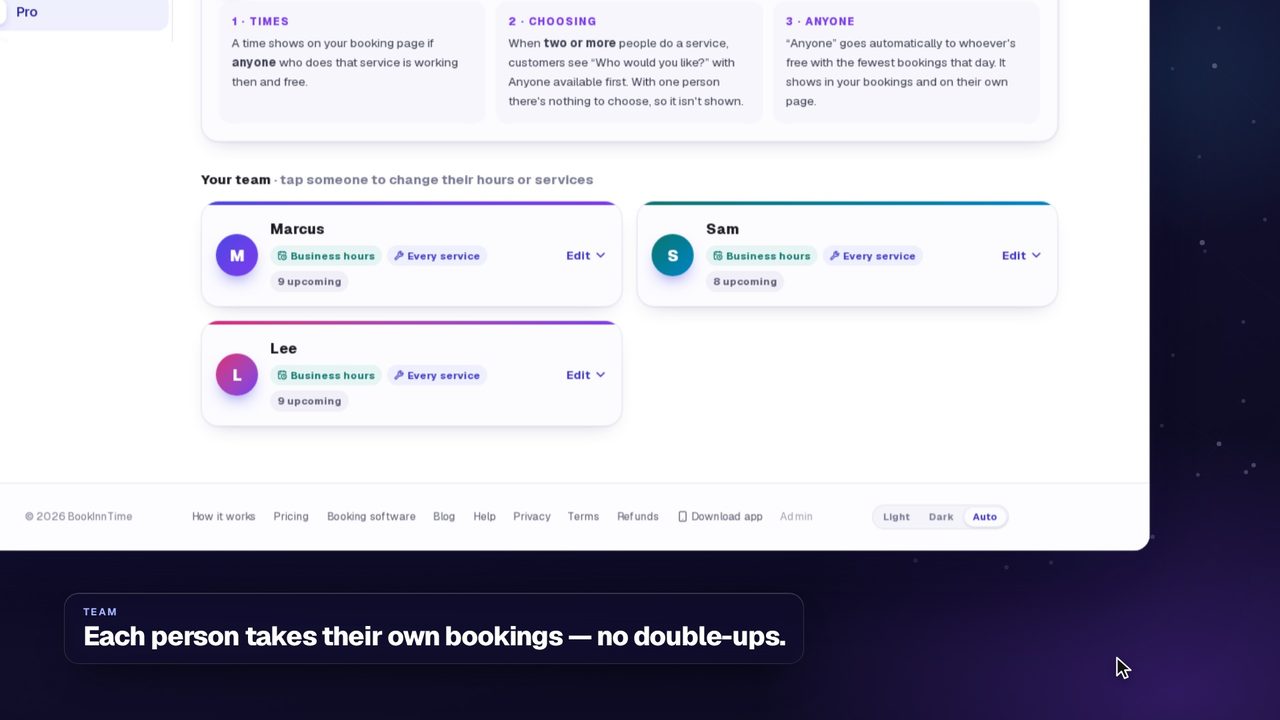
0:30Your team
Add staff with their own hours, services and link.
 0:32
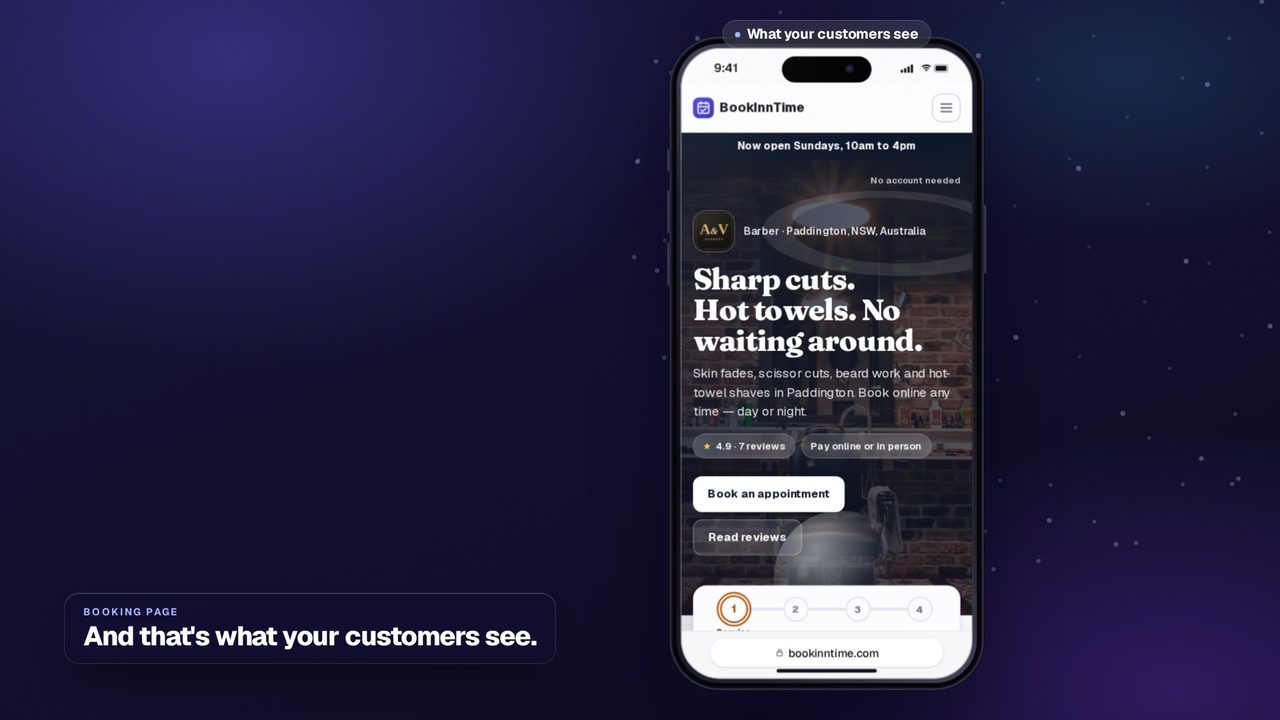
0:32Your booking page
Pick a theme, add a banner photo and make it yours.
 0:30
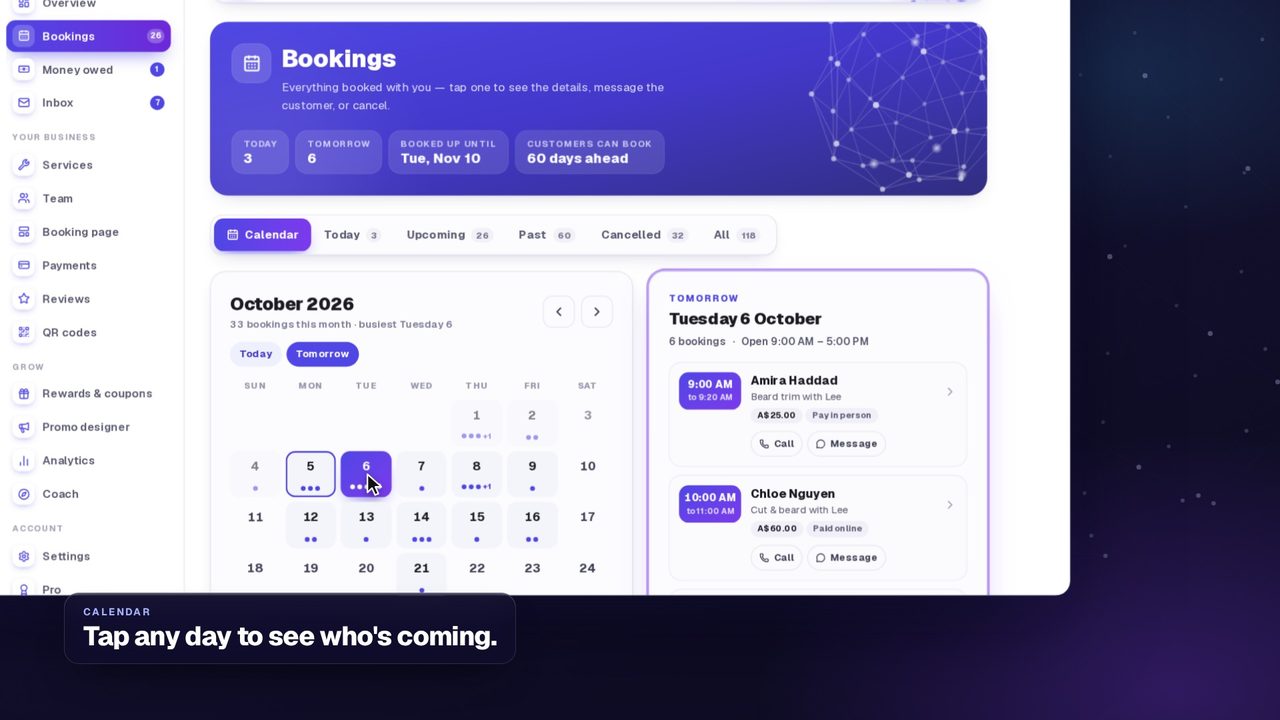
0:30Your calendar
See the month, today and what's next at a glance.
 0:29
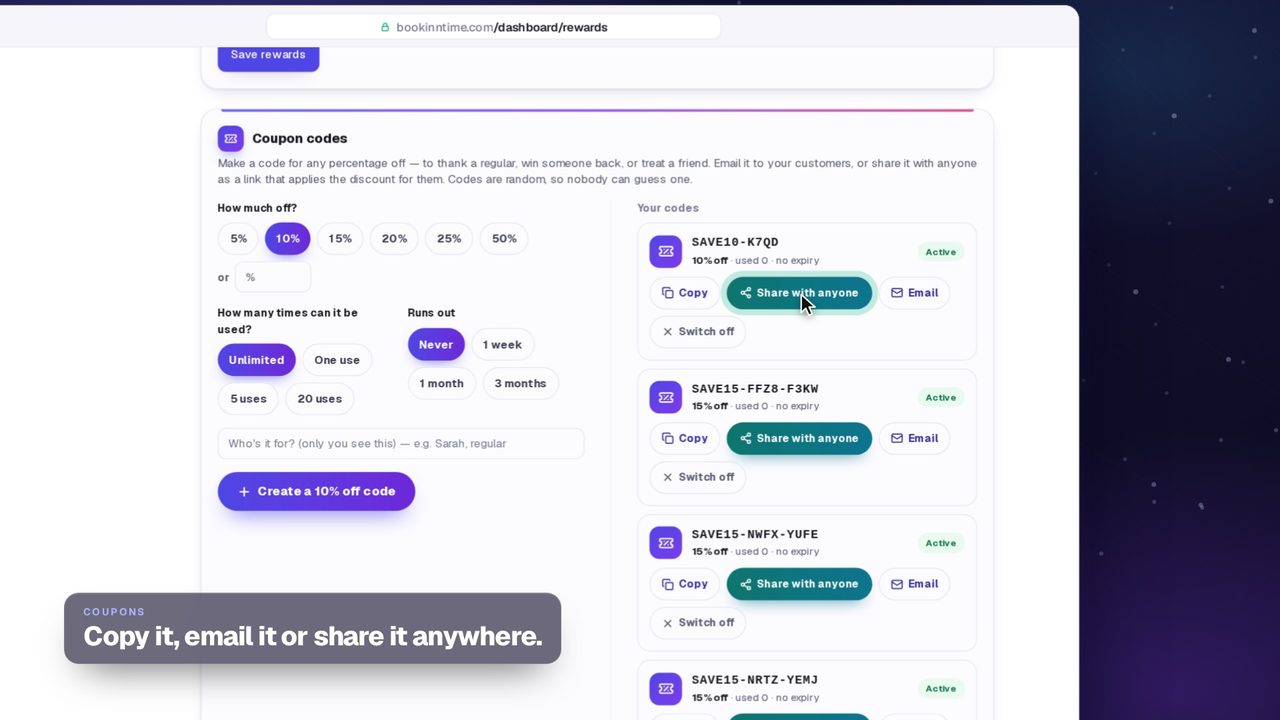
0:29Rewards & coupons
A stamp card and discount codes that bring people back.
For customers
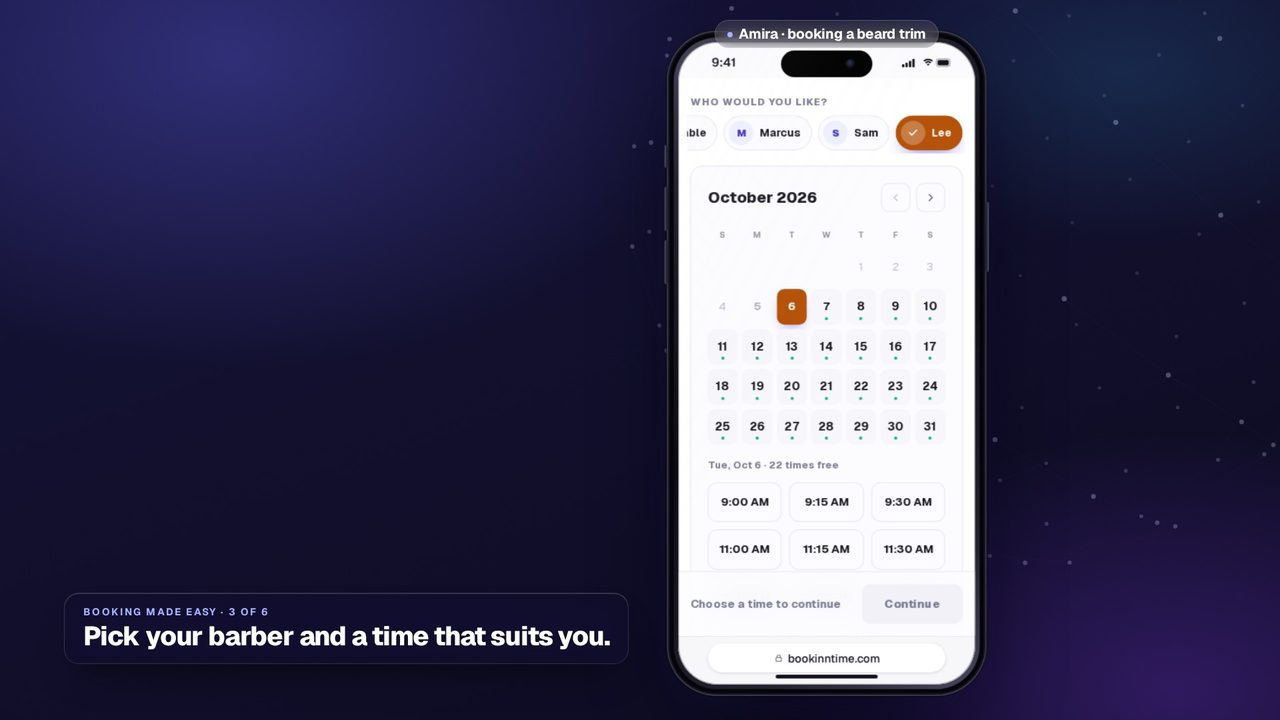
How booking works from the customer's side.
Quick looks
Two short films on what BookInnTime does for you.